
How does a student complete a homework assignment?
Student homework completion process
1Open the homework assignment
The student goes to the homework page and selects the desired assignment from the list.
2Click 'Start Assignment'
The student clicks the 'Start Assignment' button to begin.
3Work through tasks in order
Tasks are shown one after another, similar to a Lichess study mode: the student completes each task and then moves to the next.
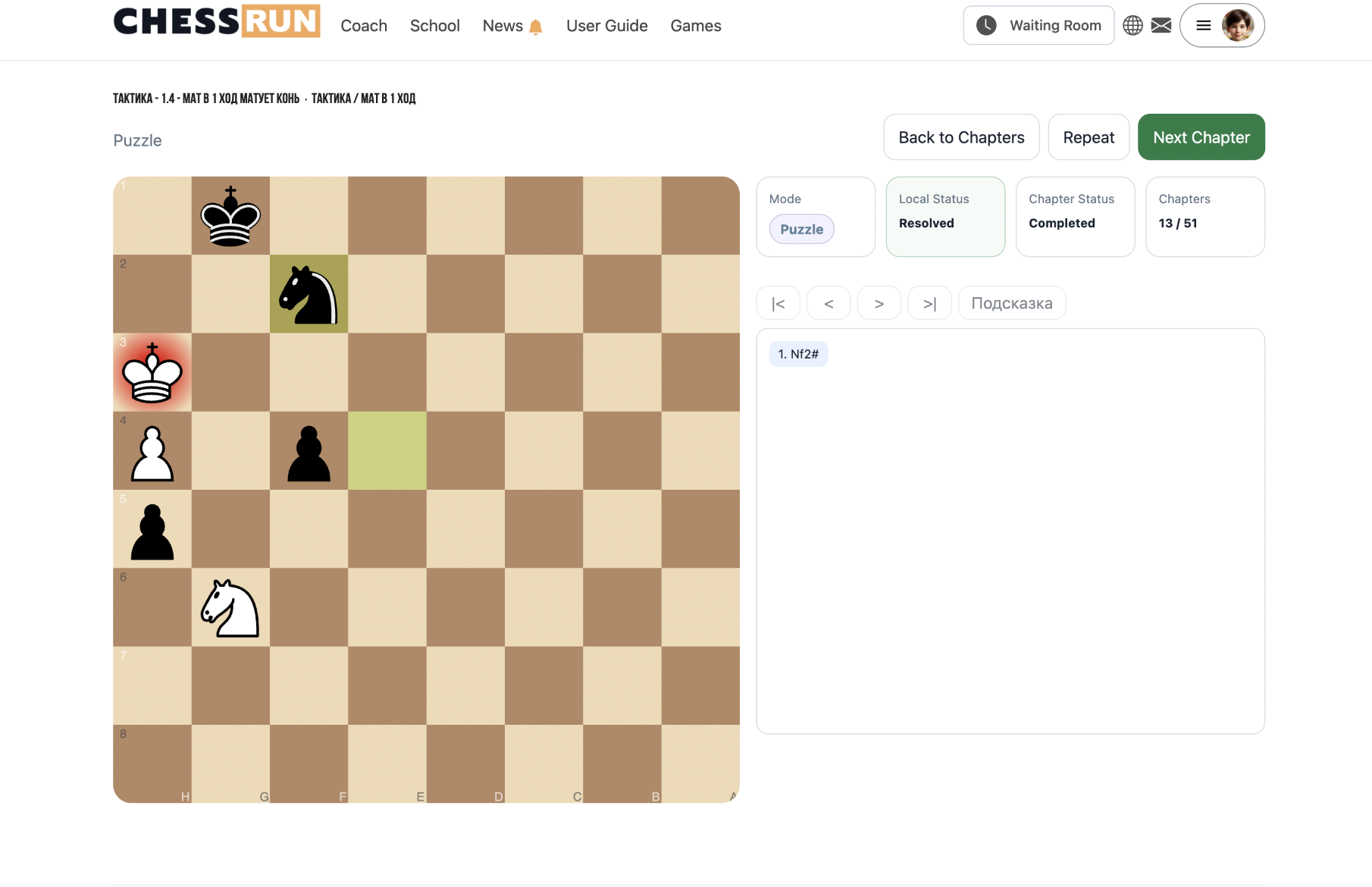
4Assignment is automatically sent for review
Upon finishing all tasks, the homework is automatically submitted to the coach for review. The student sees a completion notice.
FAQ
What if the student doesn't finish all tasks?
The homework remains incomplete until the student solves all tasks and finishes the process.
Can a student revisit solved tasks?
During homework, the student may return to previously solved tasks if the assignment's settings allow it.