
How to check a student's homework
How to check homework
1Open the homework section
In the menu, go to the homework page and select the desired studio to see the list of assignments to review.
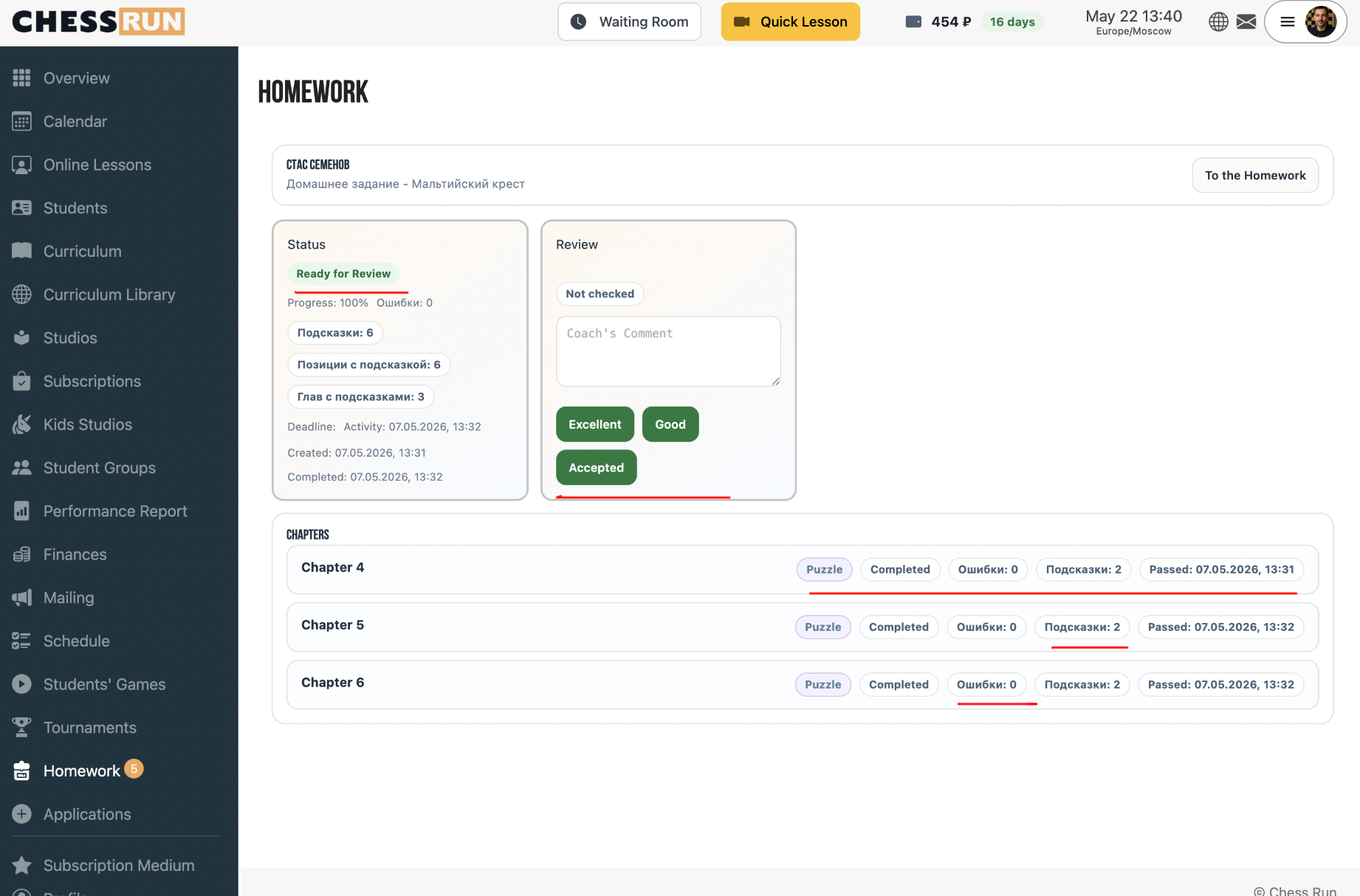
2View student progress
The assignment list shows progress on each task, overall result for the assignment, number of errors, and hints used.
3Assign a grade for the work
Select one of the available grades for the assignment: Passed, Good, or Excellent to record the homework result.
FAQ
What grades can be given for homework?
You can select one of the following grades: Passed, Good, or Excellent.
What does the progress indicator show?
Progress shows how many tasks were solved, where mistakes occurred, and how many hints the student used.