
Where to find the list of assigned homework
How to find the list of assigned homework
1Open the coach panel
Log into ChessRun using your coach account.
2Go to the 'Homeworks' tab
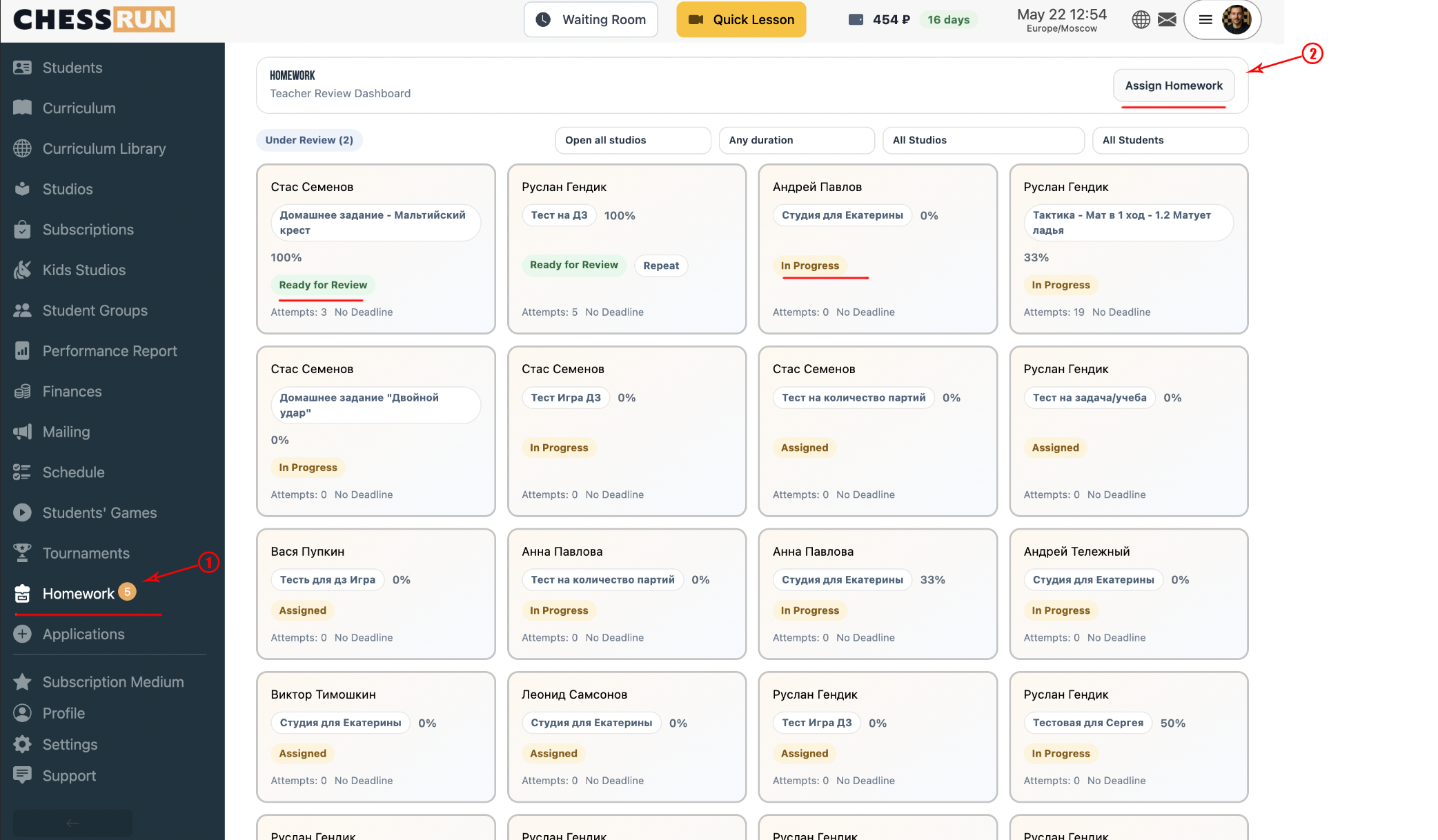
On the left side of the panel, select the 'Homeworks' option.
3Browse assigned homework
In this section, you’ll see a list of all previously assigned homework. Here, you can also create new assignments or review current homework progress.
FAQ
Can I view homework assignment details?
Yes, click on an assignment in the list to see details such as student list and current status.
What if the tab doesn’t appear?
Make sure you are logged in as a coach. If the issue persists, contact ChessRun support.