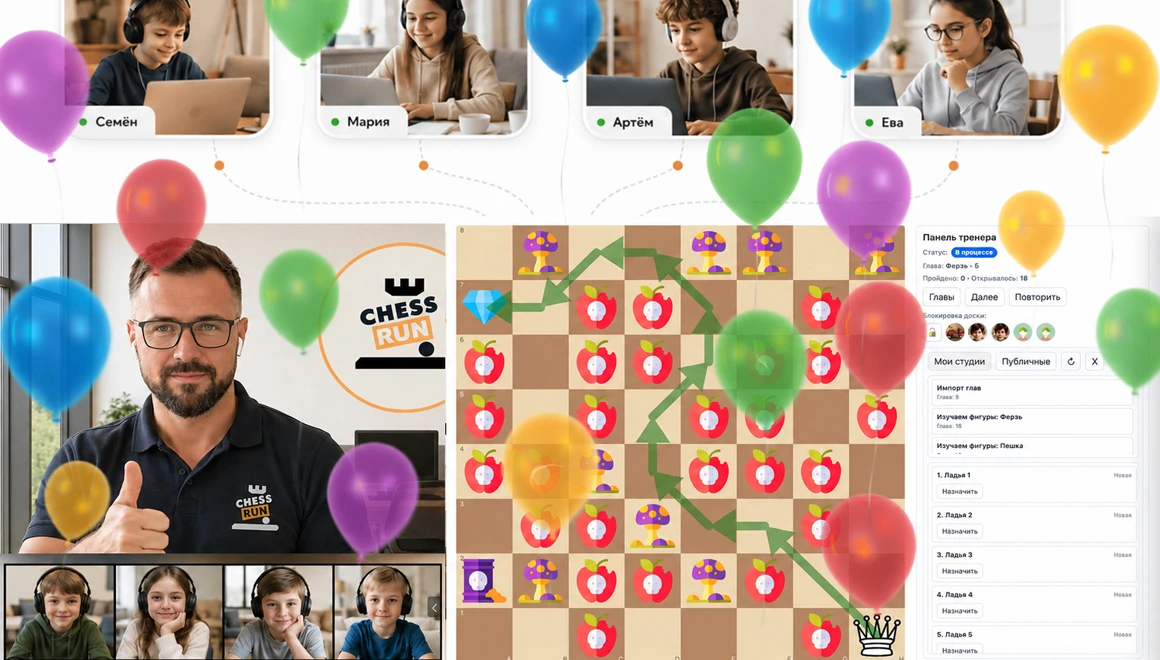
For chess coaches

Everything a chess coach needs: lessons, students, payments and homework in one place

Run online lessons with video and chessboard, manage students, groups, schedule, homework and progress without dozens of tabs, spreadsheets and messenger links.

Start with one student and one test lesson. No need to migrate the whole base.
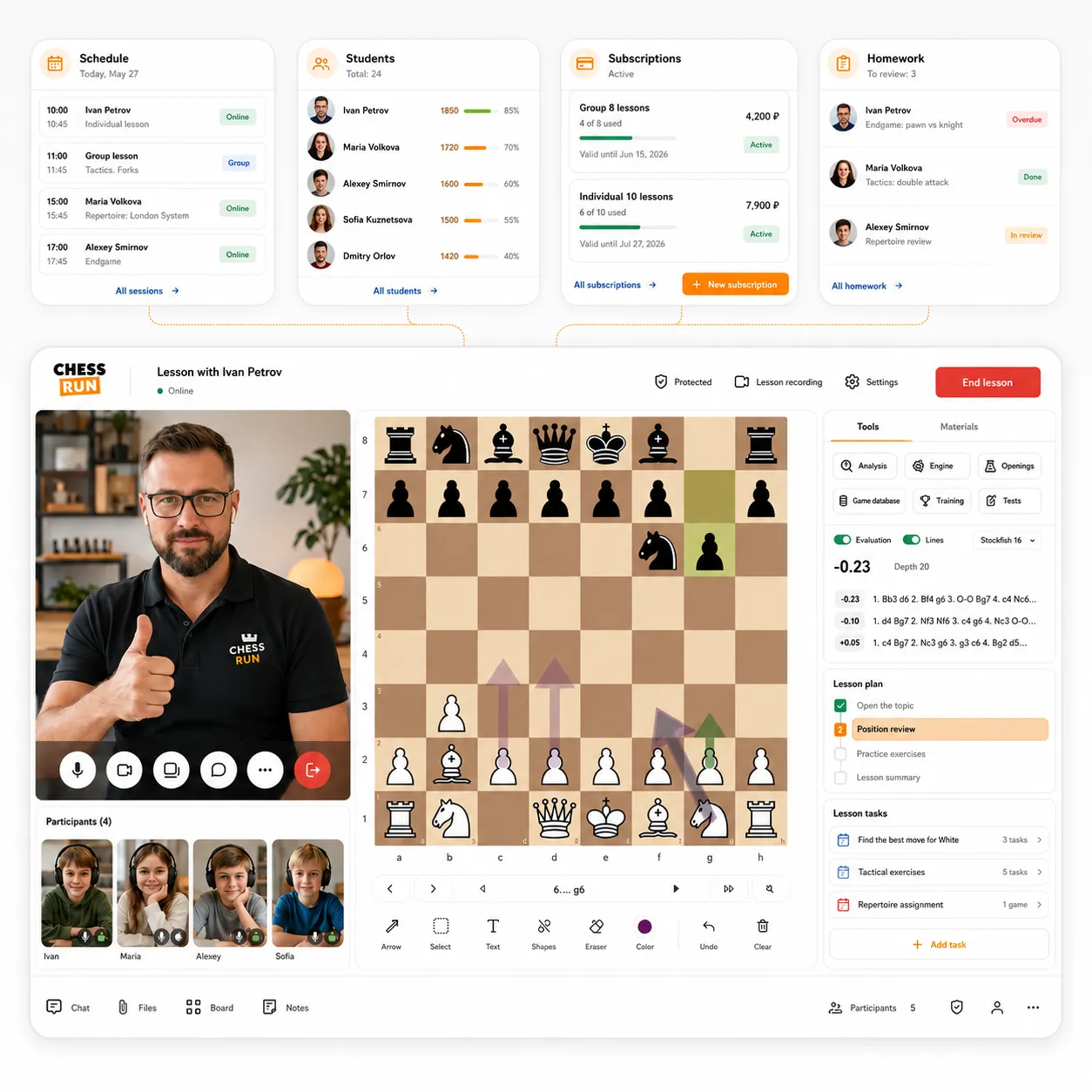
Chess coach workspace in Chess.Run

Chess.Run removes administrative routine so the coach can focus on teaching, not accounting.

1
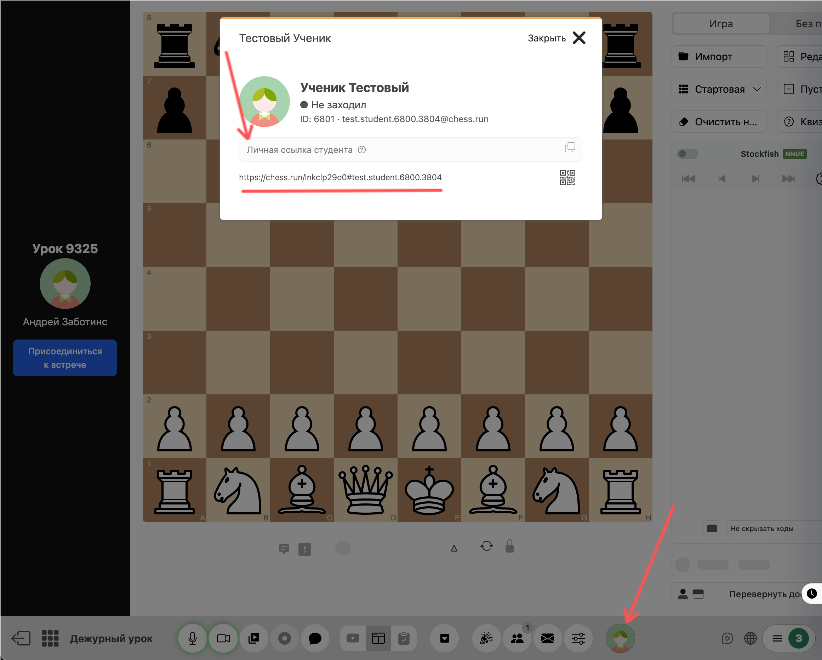
Create a lesson The student receives one link and joins in the browser without installing extra software.
2
Everything is ready for class Video, chessboard, materials and homework are already inside the lesson.
3
No counting after the lesson Close the lesson, and Chess.Run updates student history, homework and automatically charges the lesson from the balance.
4
Student history is always at hand The next lesson starts with full history of lessons, homework and progress, not with trying to remember.

Before and after Chess.Run

We handle the routine: balances, lesson charges, debts and calculations. You teach, and the system takes care of the rest.

Before Chess.Run

Manual tracking and constant admin
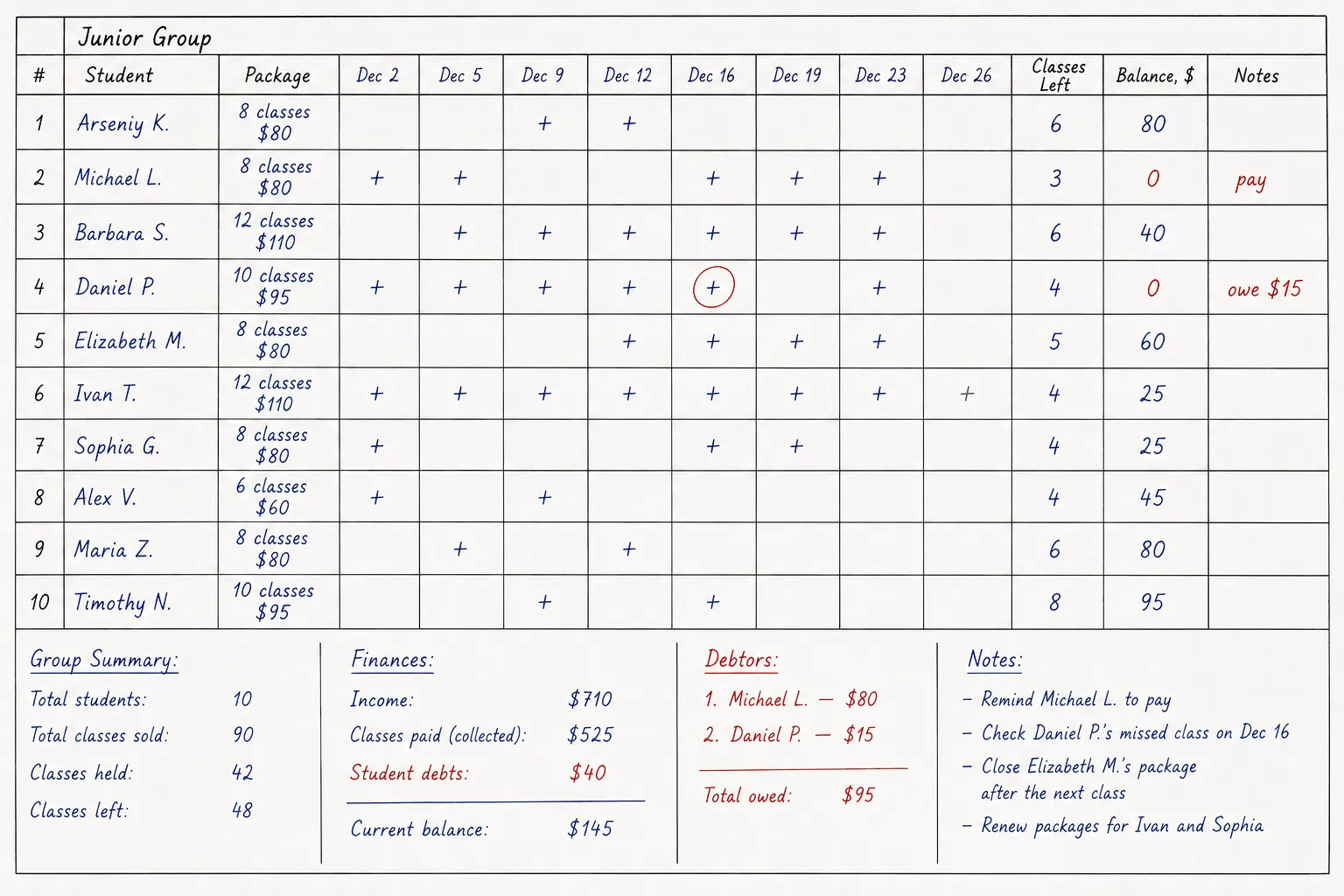
Manual subscription tracking before Chess.Run
  • Counting after every lesson
  • Spreadsheets, notes and Excel
  • Mistakes in calculations and unpaid lessons
  • Hard to see who owes what
  • No complete student picture
  • More admin, less time for coaching
After Chess.Run

Automatic tracking and clear records

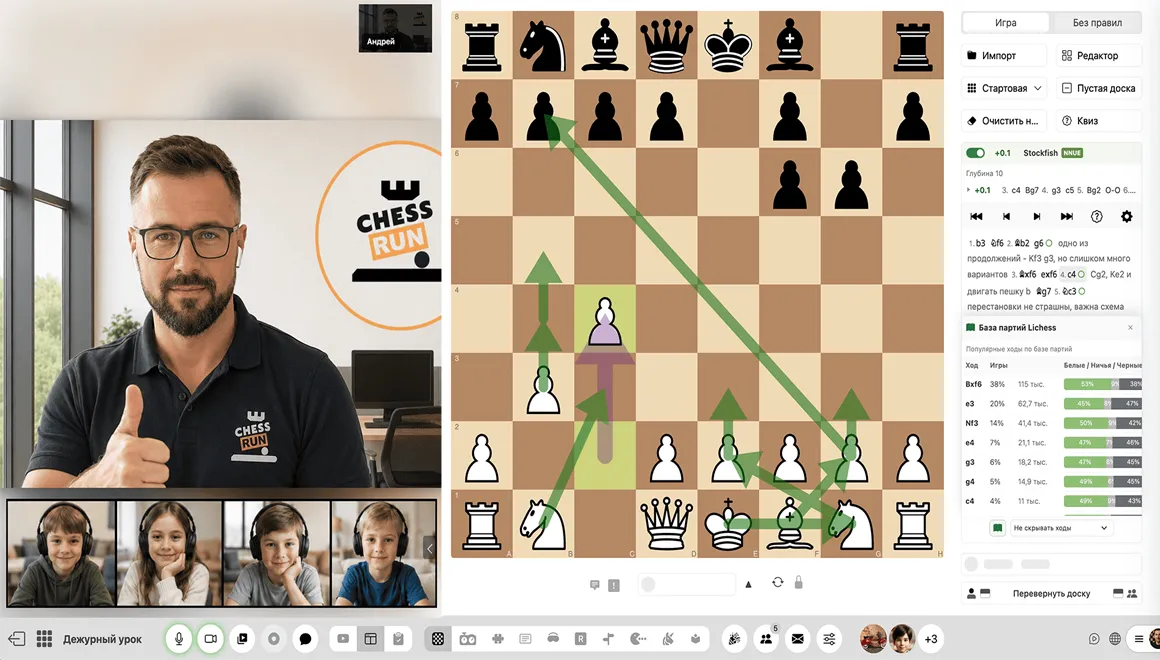
Finishing a lesson and automatic tracking in Chess.Run
  • Charges the lesson from the student balance
  • Updates the coach cashbox
  • Calculates profit for the period
  • Shows students with debt
  • Shows remaining lessons for each student
  • Shows the student what was charged and why
Student balances 400 $ Total in accounts
Coach cashbox 4 800 $ Current balance
Debtors 3 students 200 $ outstanding
Teach lessons, not Excel.

From schedule to the next lesson — one learning process

The lesson, homework, progress and student history do not disappear after the call. They stay in the system.

1

Open the schedule

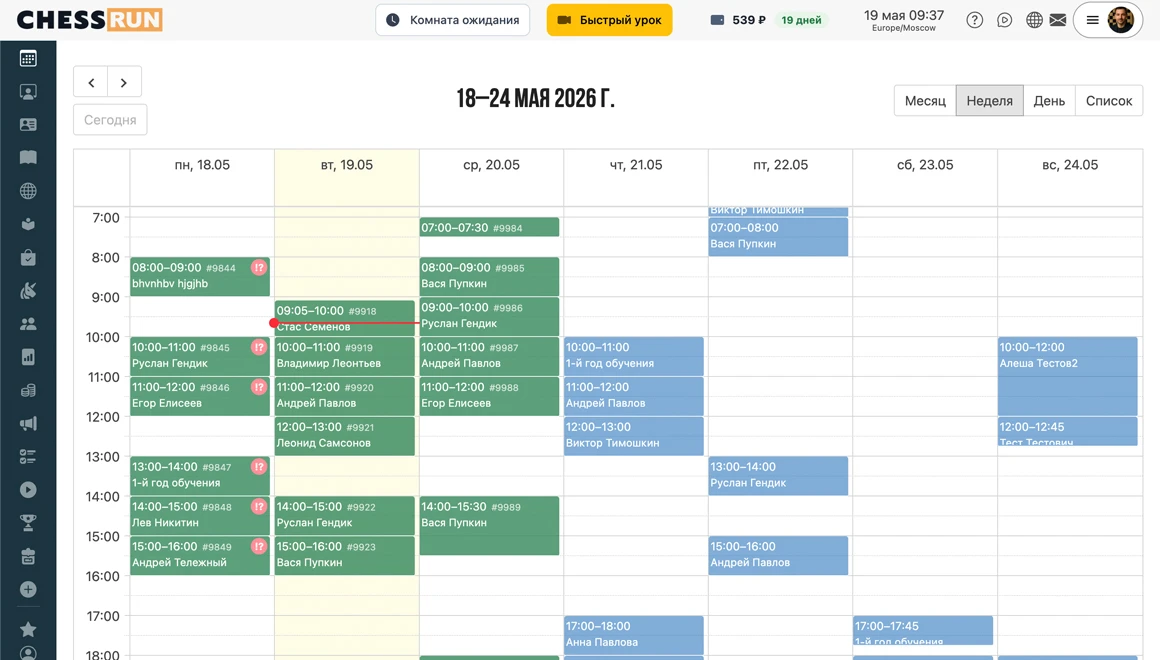
The coach sees upcoming lessons, students and groups.

2

Run the lesson

Video, board, chat and materials are already inside the class.

3

Work on the board

Positions, games and explanations are saved as part of the lesson.

4

Assign homework

The student receives tasks in their account.

5

Review progress

Mistakes, hints and results return to the coach.

6

Continue learning

The next lesson starts with a clear work history.

What a coach can do in Chess.Run

This page is a quick overview. Details for each scenario are on separate pages.

Coach workspace in Chess.Run

Coach workspace

Students, lessons, schedule, materials, homework and lesson history are gathered in one place.

Learn more
First online lesson in Chess.Run

First online lesson in minutes

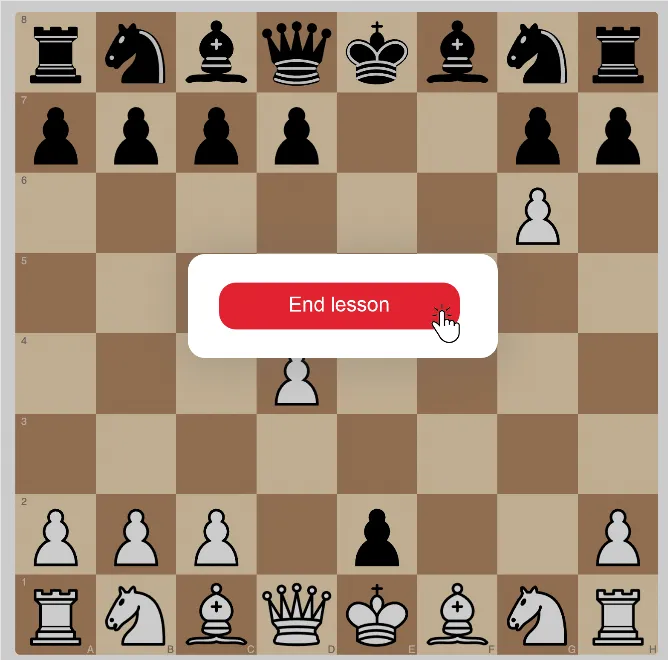
Video, chessboard, positions, materials and student invitation are already inside Chess.Run.

See the first lesson
Homework and student progress in Chess.Run

Homework and progress

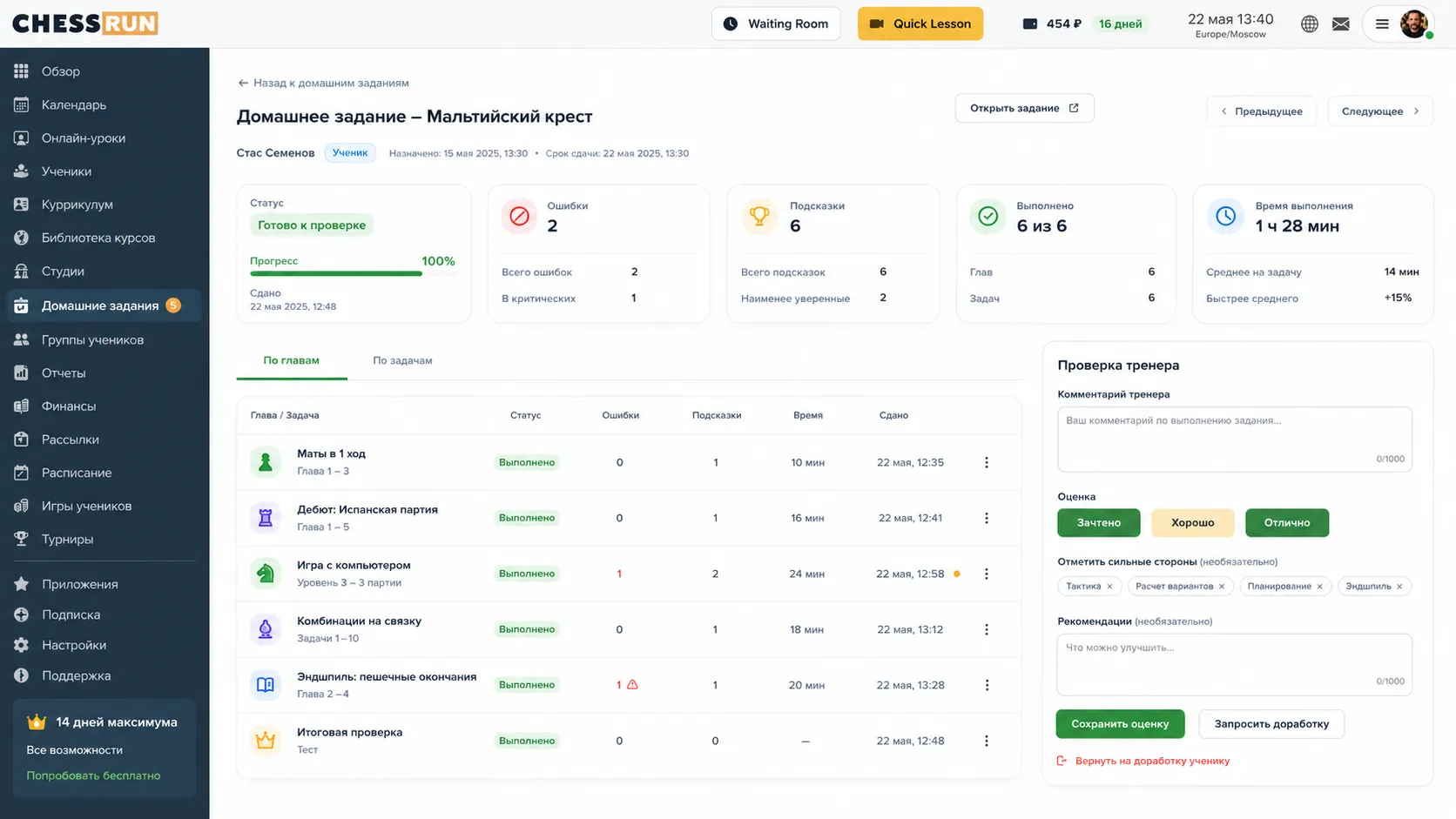
Assign tasks, track completion, mistakes and progress without lost links and chat threads.

More about homework
Group chess lessons in Chess.Run

Group chess lessons

Teach several students, use shared materials and assign homework to the group.

More about groups
Online chess lessons for kids in Chess.Run

Online chess lessons for kids

Kids studies, visual rewards and game-like elements help keep the child engaged.

More about kids lessons

Zoom helps you call. Chess.Run helps you run a chess lesson.

Inside the lesson you already have video, chessboard, positions, materials, student history and homework. The coach does not need to switch services and send new links after every action.

Usual toolkit video call separate board spreadsheets messengers files
In Chess.Run video lesson chessboard students homework progress schedule lesson history lesson charges after class

Fits different coaching formats

Individual coaches

Manage private students, schedule, materials and homework in one place.

Coaches who teach kids

Use game-like elements, visual rewards and a clear lesson format.

Coaches with groups

Run group lessons and assign tasks to several students at once.

Coaches with regular students and subscriptions

After the lesson, Chess.Run updates remaining lessons, payments, debts and student history.

No giant feature table: only what matters in daily work

Online lesson with video and board Coach workspace Students and lesson history Schedule Homework Student progress Groups Kids studies Materials and positions Student account

You can get the first useful result with one test lesson

01 Sign up
02 Add a student
03 Create a lesson
04 Invite the student by link
05 Run the lesson
06 Assign homework

Chess.Run has a separate CRM for schools

Coaches, students, schedule, subscriptions, charges, coach earnings and school finances live in a separate school workspace.

Solution for chess schools

Open the coach workspace and run your first lesson in Chess.Run

Start with one student: create a lesson, send the link, show a position on the board and assign first homework.

FAQ

Can I run a lesson without Zoom?

Yes. Chess.Run has an online lesson with video, board, chat and materials.

Is Chess.Run suitable for an individual coach?

Yes. Start with one student, schedule and a first test lesson.

Can I assign homework?

Yes. The coach assigns tasks and sees progress, mistakes and results.

Can I teach groups?

Yes. Groups have a dedicated scenario with shared materials, lessons and assignments.

Does it fit kids lessons?

Yes. Chess.Run has kids studies, visual rewards and short game-like tasks.

Can lessons be charged from a student balance?

Yes. When a lesson is finished, Chess.Run can deduct it from the student’s lesson balance or subscription.

Can the student see what was charged?

Yes. The student can see which lesson changed the balance and what was charged.

Can I start without migrating my whole student base?

Yes. Start with one student and one lesson, then move more students when ready.

Can I use Chess.Run only to track lessons?

Yes. You can use it for lesson records, subscriptions, payments and debts even if some communication stays elsewhere.

Does the student need to install anything?

No. The student opens lessons and homework in the browser.

Can I still use messengers?

Yes. Use messengers for communication, while lessons, materials, homework and progress stay in Chess.Run.

Is there a separate solution for chess schools?

Yes. Schools have a separate CRM on the /chess-school page.

Start with one student and one test lesson. No need to migrate the whole base. Start for free