School website
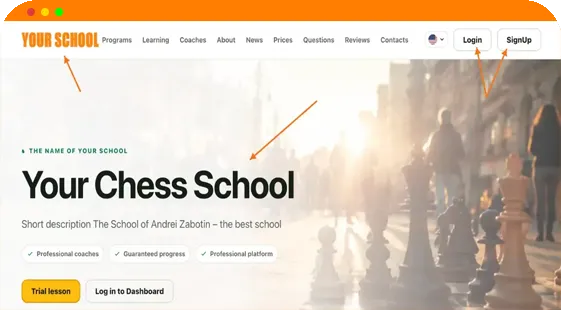
Programs, trainers, prices, FAQ, contacts and lead form.
Give students and coaches one branded environment — from the website and login page to personal workspaces and online lessons.
We help configure the domains, branding and launch.
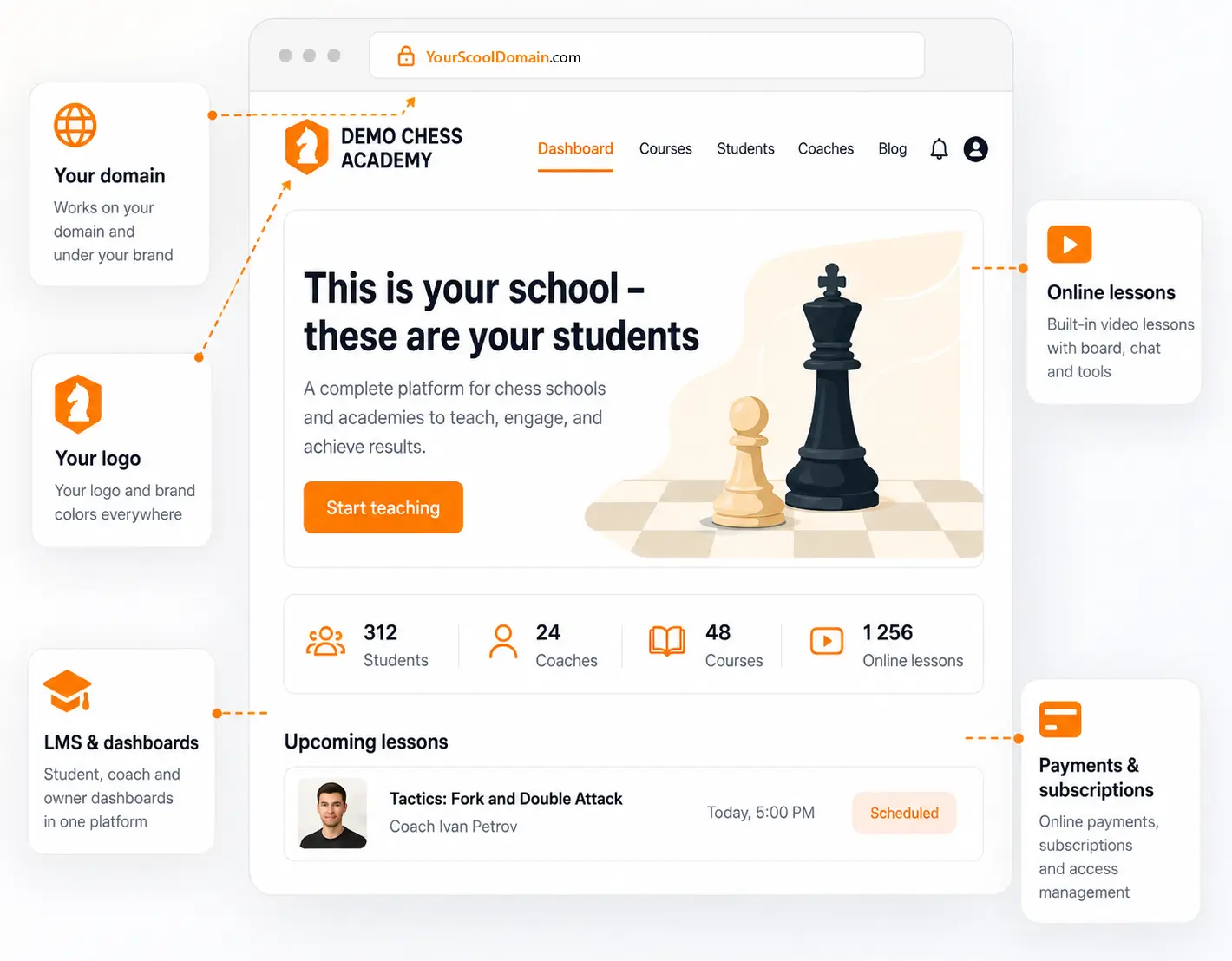
Your school’s brand stays with students throughout their journey: from their first visit and sign-in to personal workspaces, lessons and continued learning.
Programs, trainers, prices, FAQ, contacts and lead form.
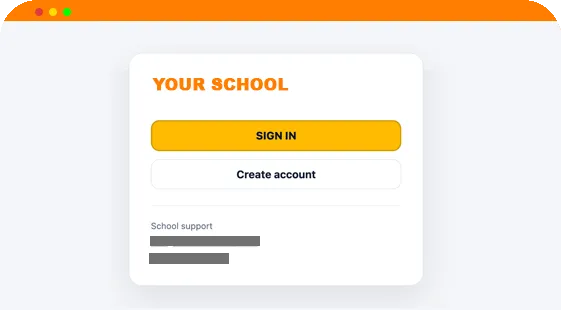
The academy name, logo, colors and support contacts.
Dedicated workflows for owners, coaches and students.
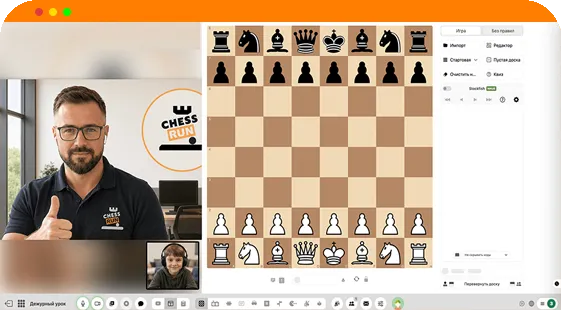
A live chess board, video and teaching tools inside your school’s environment.
The public website, sign-in, personal workspaces and learning tools work as one digital environment for your school.
Programs, coaches, pricing, news, contacts and enquiries.
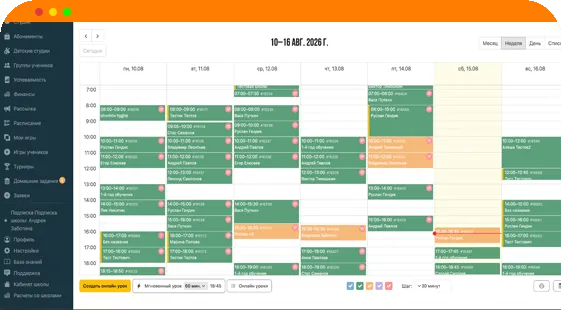
Personal workspaces, scheduling, lessons, assignments, tournaments, progress and school management.
There is no need to migrate your website, change its design or CMS, or rebuild your SEO. Chess.Run can be connected as your school’s learning platform.
Your existing website continues to work as before, while students and coaches get branded personal workspaces, an LMS, CRM and online lessons.
When connecting an existing website, the learning platform may technically run on a separate subdomain of your website. We configure this together with your academy.
Keep the design, CMS, content, SEO and publishing workflow you already use.
Students and coaches get personal workspaces, an LMS, CRM and online lessons.
One connected product environment for presenting, teaching and managing your school.
Programs, coaches, pricing, gallery, news, FAQ, contacts and enquiries.
Online lessons, chess board, materials, homework, tournaments and learning progress.
Students, groups, coaches, schedules, attendance, subscriptions, payments, finances and reports.
Each participant sees only the tools they need and works within one system.
Manage the academy, coaches, students and daily operations.
Prepare lessons, teach on the live board, assign work and follow progress.
Open lessons and homework in a browser without installing a separate application.
You provide the brand and materials; the Chess.Run team connects and checks the platform with you.
Name, logo, colors, contacts and materials.
We configure the domain, branded platform and the required technical connections.
Review the website, login and personal workspaces before launch.
We check lessons, links, key workflows and branded communications.
The connection format and launch checklist are agreed with your team.
Your academy keeps its brand while Chess.Run provides the connected product infrastructure behind it.
The public school website, login experience and core owner, coach and student workspaces can use the academy name, logo, favicon, primary color and support contacts.
Yes. White Label works under your school’s domain and brand. We help with the technical connection and setup.
No. Chess.Run can provide both the public school website and the learning platform. If you already have a website, there is no need to migrate it — you can connect only the LMS, CRM and personal workspaces.
Students can open the web platform and join lessons in a modern browser without installing a separate desktop application.
The platform connects online lessons, live chess board, materials, homework, students, groups, coaches, schedules, attendance, subscriptions and school finance workflows.
The academy provides its brand and materials. The Chess.Run team configures the platform, prepares a preview and completes the launch checks with you.
The setup depends on the academy structure, domains and launch requirements. Book a demo and we will prepare the appropriate option.
On brandable screens, students work with your academy’s name, logo, colors, contacts and domain.
Yes. Your website, design, CMS, content and SEO remain unchanged. Chess.Run connects as the learning part of your digital school: personal workspaces, LMS, CRM and online lessons. We configure the specific connection structure together with your team.
We will show the website, login, personal workspaces, LMS and online lesson and explain how to connect the platform to your brand and existing infrastructure.