
How a student enters a lesson from the waiting room
How to enter a lesson from the waiting room
1Check the lesson status in the waiting room
If the lesson has started and entry is open, a 'Join Lesson' button will appear.
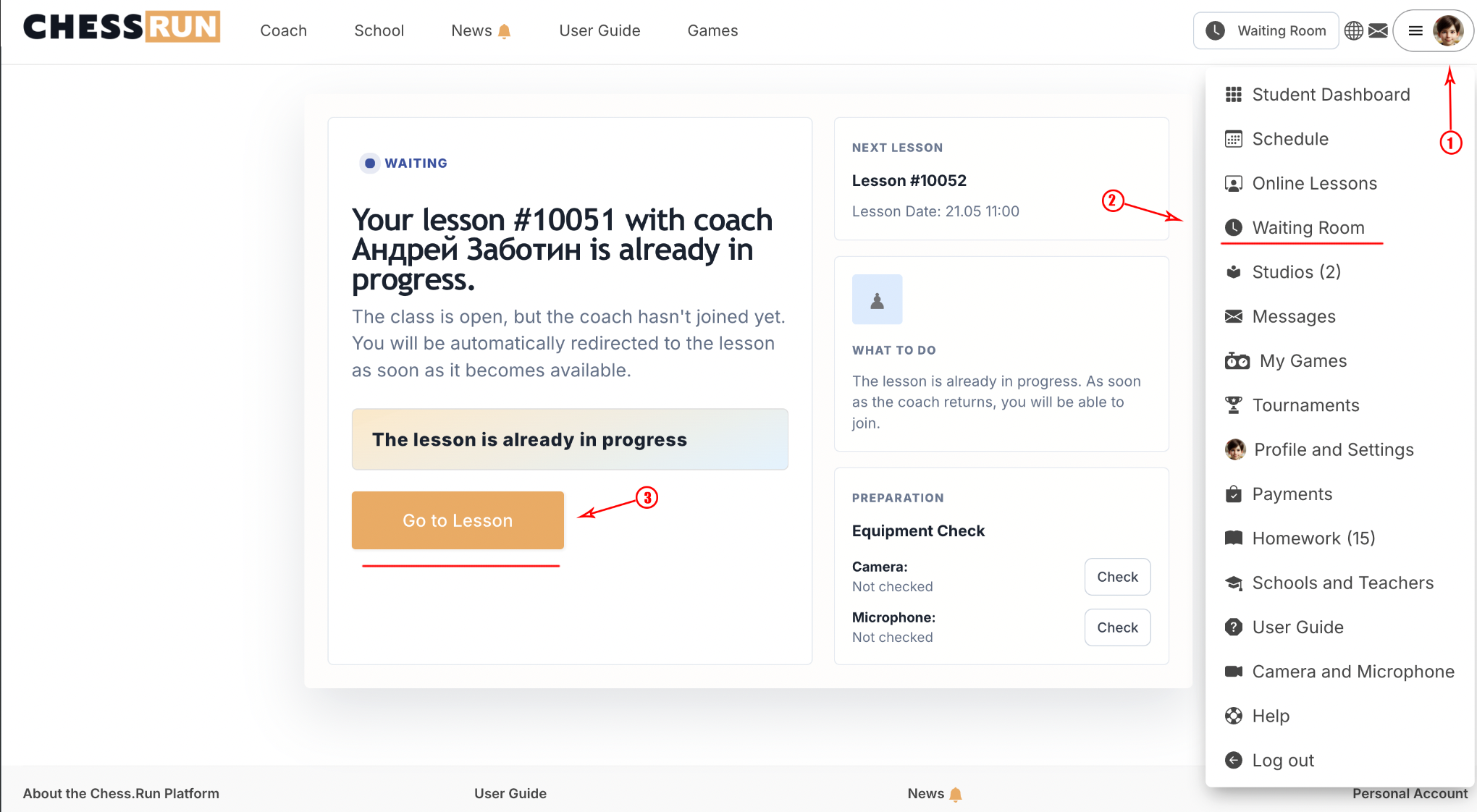
2Click the 'Join Lesson' button
Click the button to join the lesson directly if it is not scheduled.
3Automatic entry for scheduled lessons
If the lesson is on the schedule and the coach has started it, students will be transferred automatically from the waiting room to the lesson.
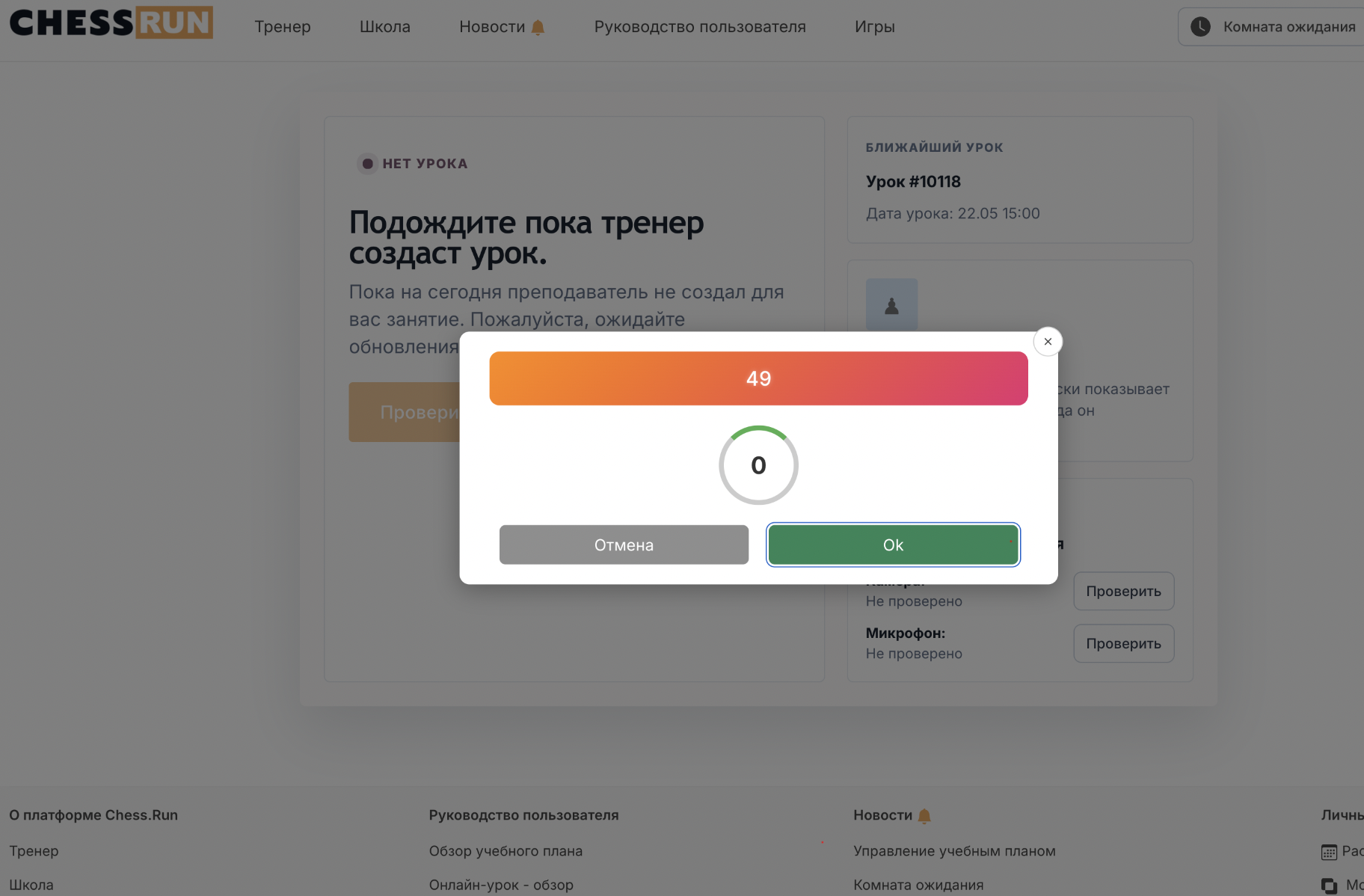
If the lesson has not started or the coach is not present, the join button may be unavailable. In this case, please wait until the lesson begins.
FAQ
What if the student doesn't see the join button?
If the button is missing, check whether the lesson has started and if the coach is present. Refresh the page or contact the coach to confirm the start time.
Do all students enter the lesson automatically?
Automatic entry only happens for scheduled lessons when the coach has started the session. In other cases, students need to join manually.